
Intervals in ERG mode
The trainer sets the resistance so you hold the target watts, whatever your cadence or gear. A 3-2-1 beep before every interval change.
goni.si is a browser app that pairs with your smart trainer over Bluetooth and runs your interval workouts in ERG mode. It picks a workout for you every day, takes you up 32 legendary roads on a pixel map, and keeps your rides in your account, on all your devices.
iPhone · iPad Safari on iPhone has no Web Bluetooth. Use the free Bluefy browser: install it, open app.goni.si in it and connect your trainer. Copy the sign-in link from the email and paste it into Bluefy.
Bluefy on the App StoreWinter is Coming Trainer season starts now: goni.si is free for the next 6 months. No trainer? Turn on the simulator in settings.
Start free
The point
goni.si isn't a game and it isn't a social network. Everything on screen is there to help you ride the workout as it was written, and to show you in the numbers how you're getting stronger.
No avatars, races or leaderboards. Big numbers, the target and the time to the next interval. Nothing else.
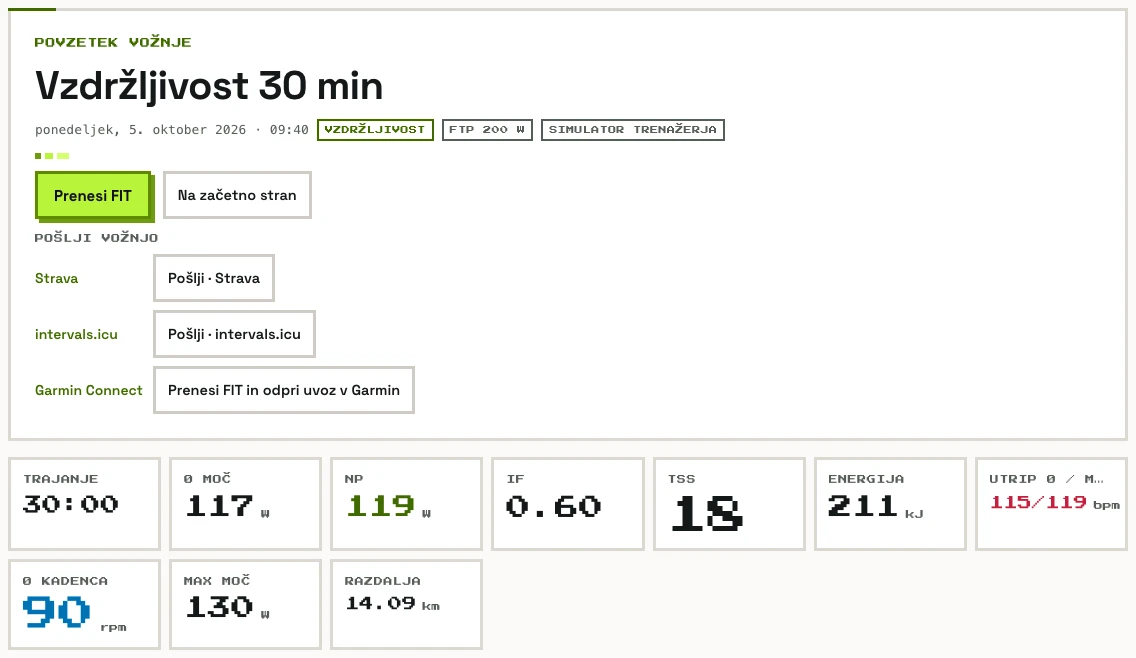
Power, cadence, heart rate, speed and target power, every second. Then NP, IF, TSS and an interval-by-interval table: target versus what you actually rode.
Your rides live in your account, on your laptop and tablet at once. Export a FIT file whenever you like, and delete your data from our server in one click.
Features
Under a minute from opening the page to your first pedal stroke. You decide how much time you've got; the app takes care of the watts, the transitions and recording the ride.
The trainer sets the resistance so you hold the target watts, whatever your cadence or gear. A 3-2-1 beep before every interval change.
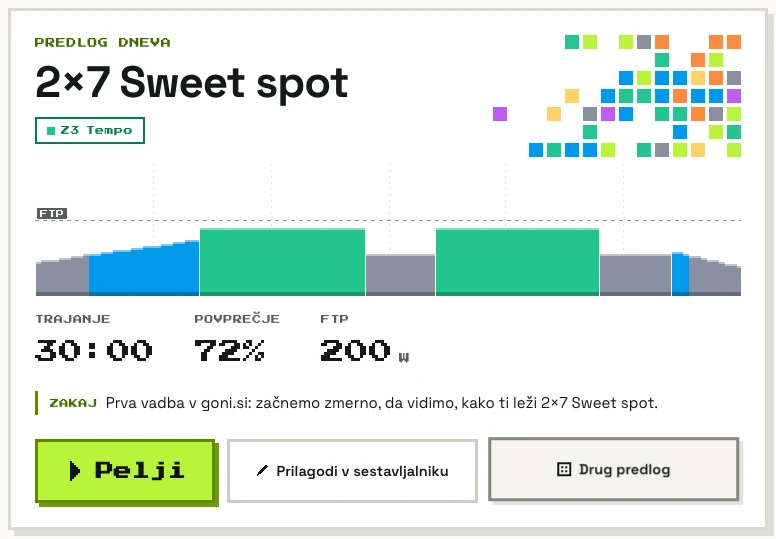
Choose a goal (power, threshold, endurance or recovery) and a time: 30, 45, 60 or 90 minutes. The pick looks at your last 7 and 28 days. After a hard day it eases off; hit your intervals and next time it's a little harder.
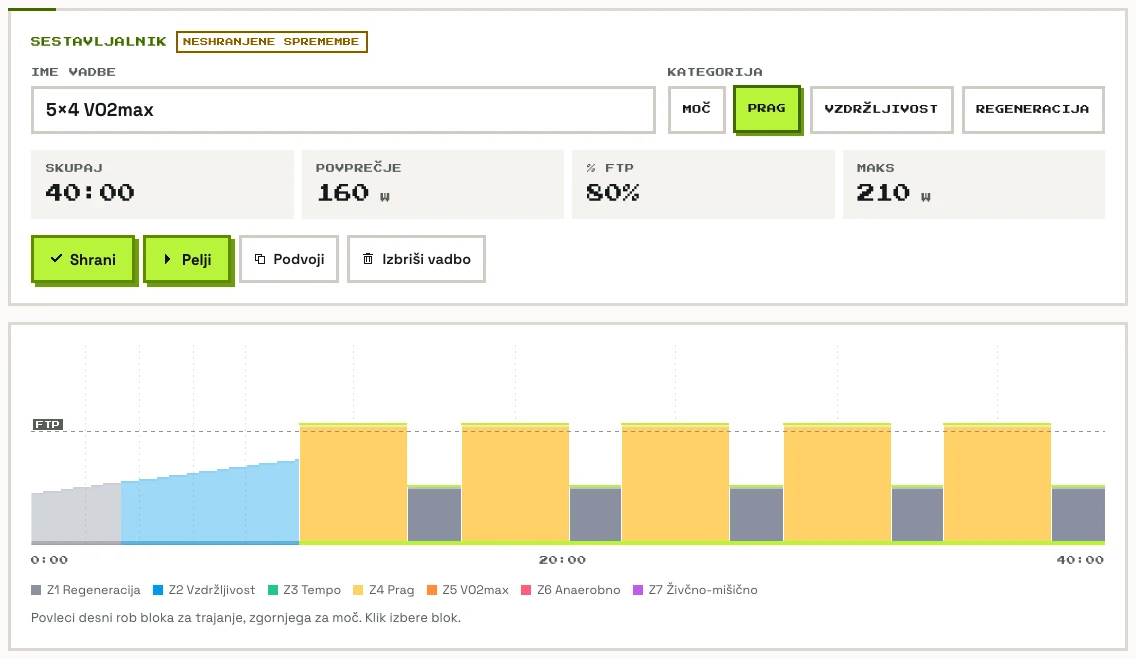
Build 5 × 4 minutes in a few clicks: steady power, ramps, repeats, free ride. Set power as % of FTP or in watts, and the profile draws itself in zone colours as you go.
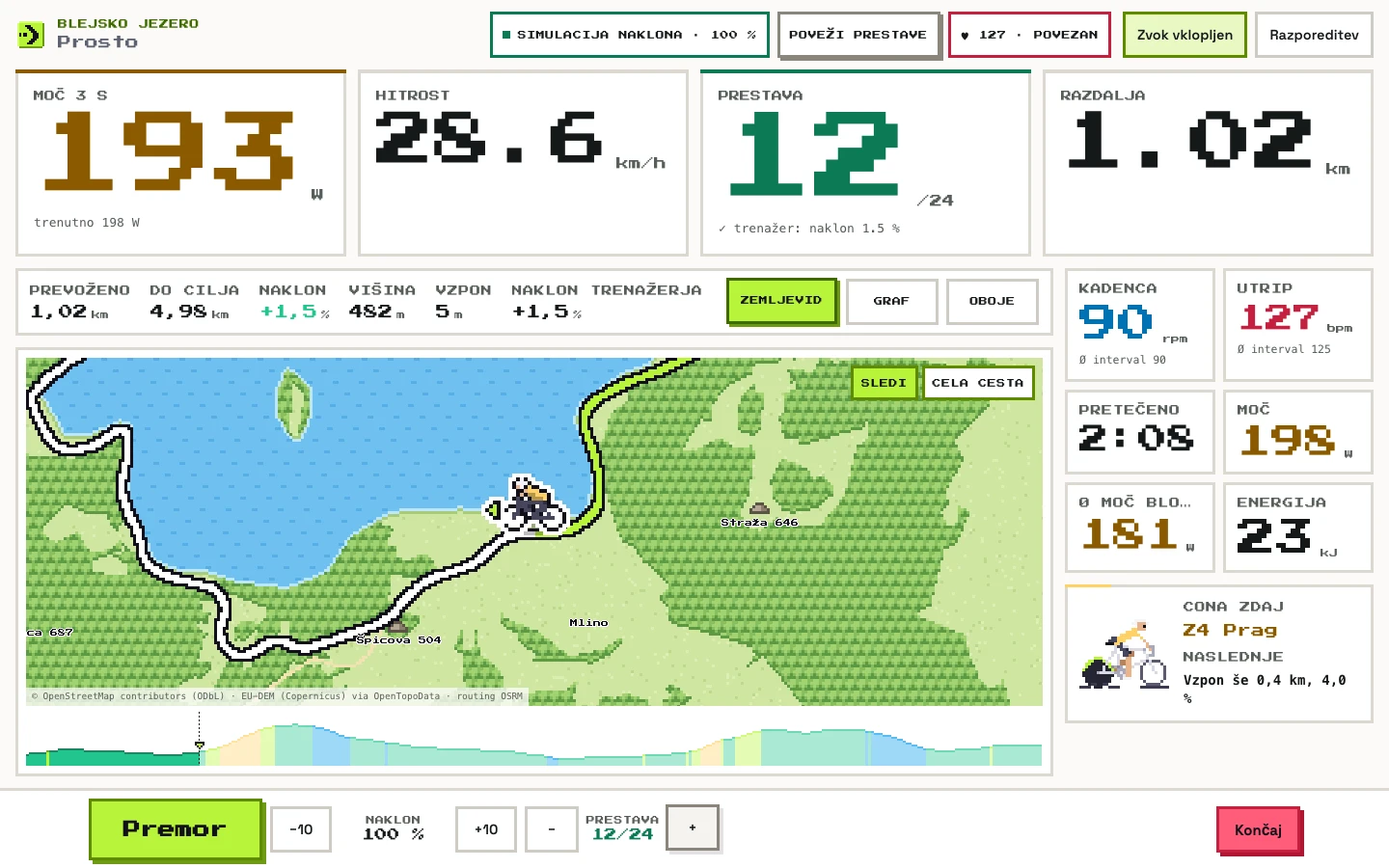
Target, 3-second power and time left in the interval are big. Pause, skip a block and nudge intensity by ±1% or ±5%, from the keyboard too.
32 roads from Slovenia, Croatia, Italy, the Alps, the Pyrenees and Mallorca. You see yourself as a pixel cyclist on the map, and the trainer sets the real gradient from the elevation profile.
NP, IF, TSS, kJ, heart rate and an interval-by-interval table. Your ride goes to Strava or intervals.icu in one click or automatically, and you get a FIT file for Garmin.
Nothing to install: open goni.si in Chrome or Edge. After the first visit it works without internet too. Rides are saved on your device and in your account, so you see them on your other devices too. If the trainer drops out or you reload the page, you pick up from the same second.
From the app
Screenshots from the app. The screen shows only what you can still read halfway through an interval.
Ready every day
Every day there's a workout waiting for you, fitted to your goal, your time and whatever you rode yesterday. No browsing, no building: open goni.si, hit Do it now and you're already pedalling. Got 45, 60 or 90 minutes instead? The workout adapts.
10×30/30 VO2max
Easy yesterday, intervals today: your legs are fresh.
32 roads · 6 countries · works offline
Legendary roads from Slovenia, Croatia, Italy, Austria, France and Spain, drawn as pixel maps. Ride one freely while the trainer simulates the gradient from the elevation profile, or ride any ERG workout with the map showing where you are.
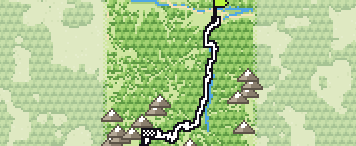
12.0 km↑ 822 mmax 14.8%
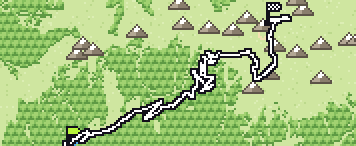
10.9 km↑ 928 mmax 16%
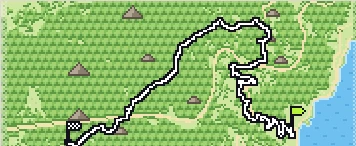
14.8 km↑ 919 mmax 11.8%
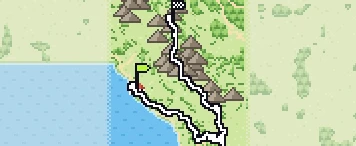
30.7 km↑ 1735 mmax 18%
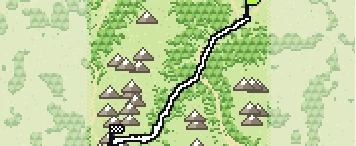
24.8 km↑ 1852 mmax 15.8%
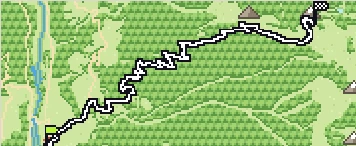
9.6 km↑ 1215 mmax 20.8%
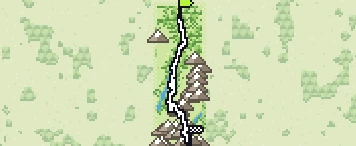
26.5 km↑ 1856 mmax 14.8%
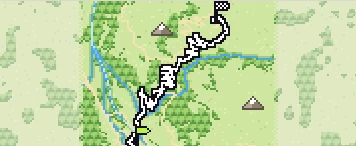
14.7 km↑ 1107 mmax 13.7%
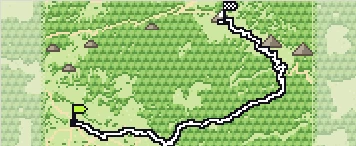
21.4 km↑ 1574 mmax 16.4%
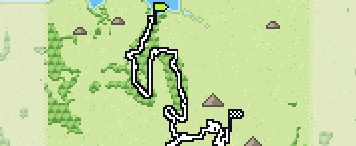
9.4 km↑ 628 mmax 14%
Maps: © OpenStreetMap contributors (ODbL) · elevation EU-DEM (Copernicus) via OpenTopoData · routing OSRM. Maximum gradient measured over 100 m.
What you need
goni.si talks to your trainer over Web Bluetooth, which Chrome and Edge support. That's all it takes.
Any smart trainer with Bluetooth FTMS, which is nearly every recent model: Wahoo KICKR and KICKR CORE, Tacx (Garmin), Elite, Saris, Zwift Hub, JetBlack…
On a laptop or desktop (Windows, macOS), or on an Android phone or tablet.
Pair a Bluetooth chest strap as a second device, even mid-ride.
Safari and the other iOS browsers have no Web Bluetooth. Use the free Bluefy and open app.goni.si in it.
These browsers don't support Web Bluetooth. The app tells you so up front instead of leaving you guessing.
Coming soon
Today you get intervals, daily workout picks, the builder, 32 roads and FIT export. We keep building.
Connect your own AI assistant via MCP. It plans workouts for the days ahead, sends them to goni.si and reads your results after the ride. All you do is ride.
Even more roads, plus importing your own route from a GPX file.
A bigger workout library, a ramp test for FTP, ZWO import and export, and typing in intervals as quick text.
What you rode this week and what's coming up, with your training load over the last 7 and 28 days.
FAQ
Right now: open app.goni.si and sign in with your email (we send you a link, there's no password). goni.si is free for the next 6 months.
No. Open goni.si in Chrome or Edge and click “Connect trainer”. If you like, add it to your desktop or home screen as an app. After the first visit it also works offline.
In ERG mode the trainer adjusts the resistance itself, so you put out exactly the watts the interval calls for. If your cadence drops, the resistance goes up; spin faster and it eases off. You just pedal.
Every smart trainer that supports the Bluetooth FTMS standard (Fitness Machine Service). That's nearly all recent models: Wahoo KICKR and KICKR CORE, Tacx Neo and Flux (Garmin), Elite Direto and Suito, Saris H3, Zwift Hub, JetBlack and others. Older models sometimes need a firmware update; trainers without FTMS won't work.
Safari on iPhone and iPad doesn't support Web Bluetooth, which is how the browser talks to your trainer. It works in Chrome on Android, and on a laptop.
On your device and in your account on our server in the EU, so they are the same on all your devices. You can delete them from the server in Settings at any time. You can export any ride as a FIT file. More in the privacy notice.
Connect Strava (or intervals.icu) once in Settings. After that every ride goes there on its own as soon as you finish, or you send it in one click from the summary. A road ride arrives on Strava as a virtual ride with a map. For Garmin Connect, download the FIT file.
No. Maps and elevation profiles for every road are built into the app, so Vršič and the Stelvio work offline too.
A short hello straight away, and after that only when there's something new. Every email has an unsubscribe link. More in the privacy notice.
Winter is Coming
Leave your email and we'll write when there's something new. Unsubscribe in one click.
You can buy interactive trainers at A2U, a Slovenian shop, for example. goni.si is not affiliated with A2U and earns nothing from purchases.